


📢 Quick Specifications:
✅ Genuine License Key
✅ Lifetime Activation
✅ Activate in all Country (Global)
✅ Multilingual
✅100% Legal and Safe Activation
💬 Live Chat Support
📦 Email Delivery
🔄 7-day one-to-one replacement warranty
⚠️ No returns or exchanges for incorrect version, edition, or PC count
✅ 5 ⭐ on Google/Etsy Marketplace
✅ Value for Money
❌ Evaluation edition not supported — must convert to full version before activation
Get 10% Instant Discount. Apply Coupon Code:
MYPCKEY
$82.50 Original price was: $82.50.$30.80Current price is: $30.80.
No Physical Shipping
✅ Chat Support
5 ⭐ on Google/Trustpilot
Payment Methods:
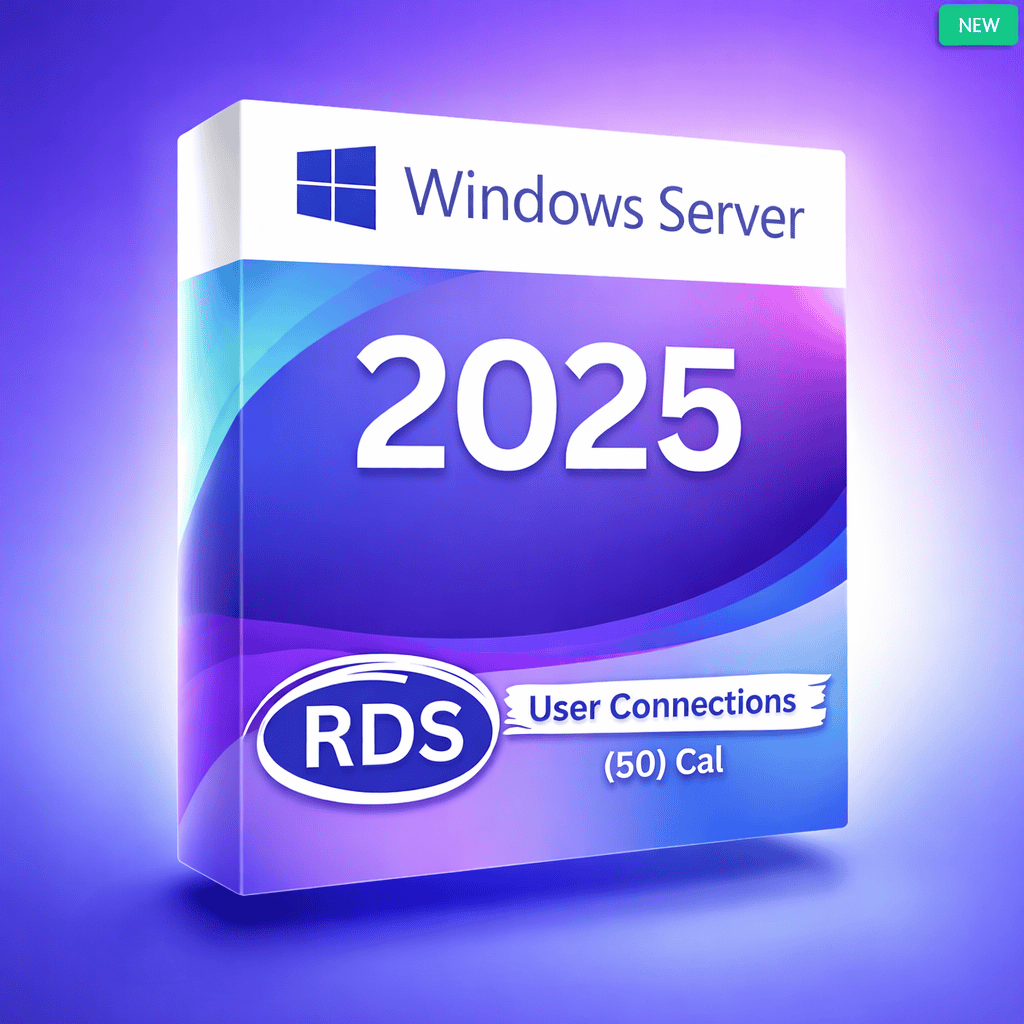
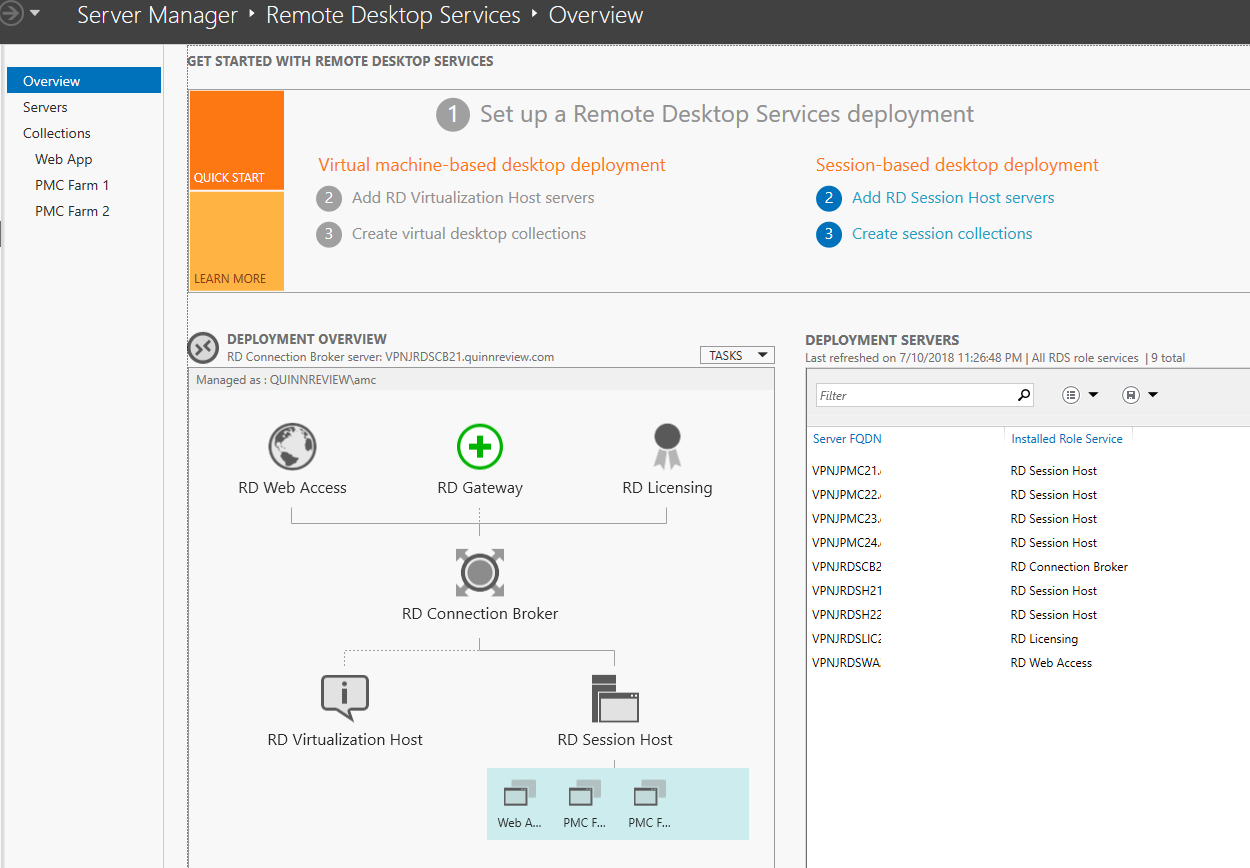
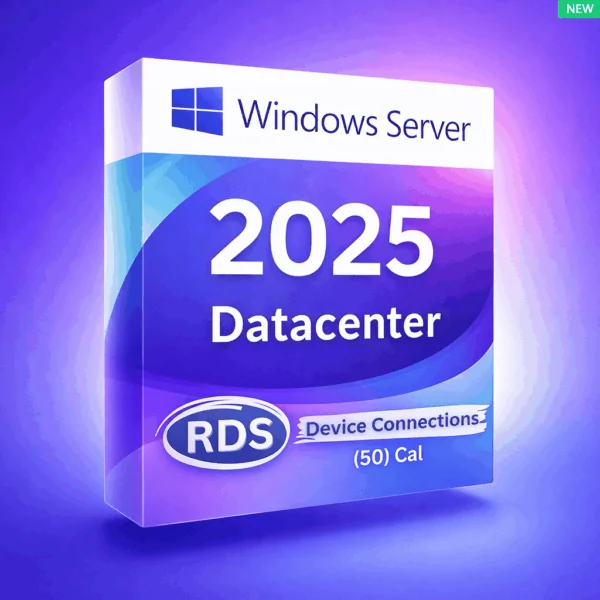
This license allows 50 individual users to securely access Windows Server 2025 through Remote Desktop Services (RDS).
Each licensed user can connect from multiple devices (PC, laptop, thin client, etc.) to access remote desktops or published applications.
This product key is only for adding RDS User CALs to an existing, pre-activated Windows Server 2025 installation.
🔹 This is a User CAL (not a Device CAL)
🔹 It does NOT activate Windows Server 2025 itself
🔹 A pre-activated Windows Server 2025 base license is required
Download Windows Server 2025:
https://massgrave.dev/windows-server-links
👤 50 User CALs – One CAL per user (ideal for users accessing from multiple devices)
🖥️ Flexible Access – Users can connect to desktops and applications from any supported device
⚡ High Performance – Improved graphics, better compression, and optimized RDP performance
🛡️ Enterprise-Grade Security – Supports TLS encryption, Network Level Authentication (NLA), and modern security standards
🔄 Scalable Licensing – Easily add more User CALs as your organization grows
✔ Compatible with Windows Server 2025 Standard & Datacenter
❌ Not compatible with Windows Server 2019 / 2016 or earlier
Employees working from multiple devices
Remote or hybrid work environments
Businesses providing secure access to applications and desktops
Organizations with personal user accounts, not shared PCs
Requires Windows Server 2025 base license (sold separately)
RDS CALs are required for all remote connections beyond the two admin sessions
Choose User CALs when:
One user uses multiple devices
Access is assigned per person
👉 If multiple users share the same device, Device CALs may be more cost-effective instead.
In stock
In stock
In stock
In stock
No account yet?
Create an Account