


Back to products
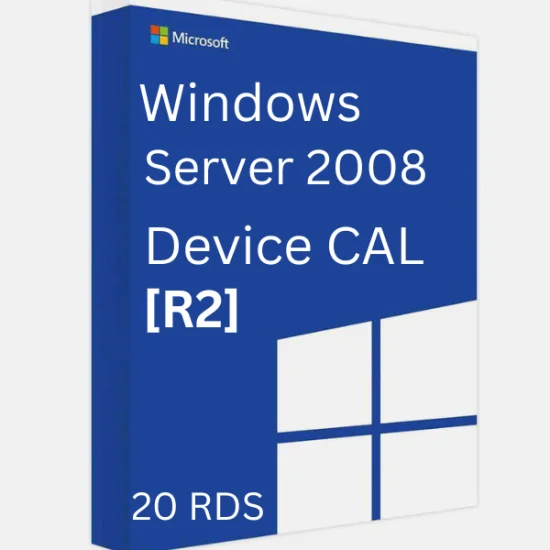
Windows Server 2008 R2 20 Remote Desktop Services
Windows Server 2008 R2 Remote Desktop Services - 20 Device Connection CALs Original price was: €94.05.Current price is: €13.86.

Project Professional 2024 BIND Key – 1 PC (Windows) | Genuine & Lifetime License | Link with Your Email Permanently

⚡Quick Specifications:
✅Genuine License
✅Lifetime Access
✅Safe Activation
✅Email BIND
✅Latest Release
✅Windows 10/11
✅Reactivate after Format PC
✅Email Delivery
✅All Official Updates
✅Region: Global
✅Multilingual
✅Live Chat Support
✅5 ★ star Google/Trustpilot & Etsy Reviews
✅Value for Money

  • authenticity (4) 100% Working Guaranteed
  • cashback Refund Available (T&C)

Discount for New User

Get 10% Instant Discount. Apply Coupon Code:

MYPCKEY

Original price was: €583.11.Current price is: €43.56.

Out of stock

Out of stock

25 People watching this product now!
  • mail Email Delivery

No Physical Shipping

Chat Support

5 ⭐ on Google/Trustpilot

  • Genuine & Verified Product
  • Activate Within 7 Days

Payment Methods:

Description

Project Professional 2024 introduces several new features and improvements designed to enhance project management efficiency and collaboration. Here are some of the key updates:

New Features in Project Professional 2024:

  • Advanced Task Management: Create and manage tasks effortlessly using an intuitive interface.
  • Dynamic Gantt Charts: Visualize your project timeline with clear, interactive Gantt charts.
  • Resource Allocation: Optimize team workloads with built-in resource management tools.
  • Collaboration Tools: Seamlessly integrate with Microsoft Teams and SharePoint for better team collaboration.
  • Budget and Cost Tracking: Track project budgets and costs more effectively.
  • Pre-built Templates: Get your project started on the right track with a variety of pre-built templates.
  • Sync with Project Online and Project Server: Keep your projects in sync across different platforms.
  • Submit Timesheets: Capture time spent on project and non-project work for payroll, invoicing, and more.
  • Run What-If Scenarios: Make the most of your task assignments by running what-if scenarios.
  • Auto-populate Dates: Auto-populate start and end dates based on dependencies to streamline scheduling.
  • Task Path Highlighting: Gain visibility into task relationships with task path highlighting in Gantt charts.
  • Hover Over Team Members: Hover over team members’ names in a project plan to see online presence and start chats or calls through Microsoft Teams for Business (licensed separately).
  • Intuitive Baselines: Enable decision makers to track and compare actual progress to the original project plan.
  • Built-in Reports: Access informative reports like Burndown and Resource Overview to provide insights to stakeholders.

System Requirements:

  • Processor: 1.6 gigahertz (GHz) or faster, 2-core
  • Operating System: Windows 11, Windows 10, Windows Server 2019
  • Memory: 4GB RAM (2GB RAM for 32-bit)
  • Hard Disk Space: 4GB of available disk space
  • Display: 1280 x 768 screen resolution
  • Graphics: DirectX 10 graphics card for graphics hardware acceleration
  • Internet Access: Required for product activation and online services
  • Msoft Account: Needed for installation and activation

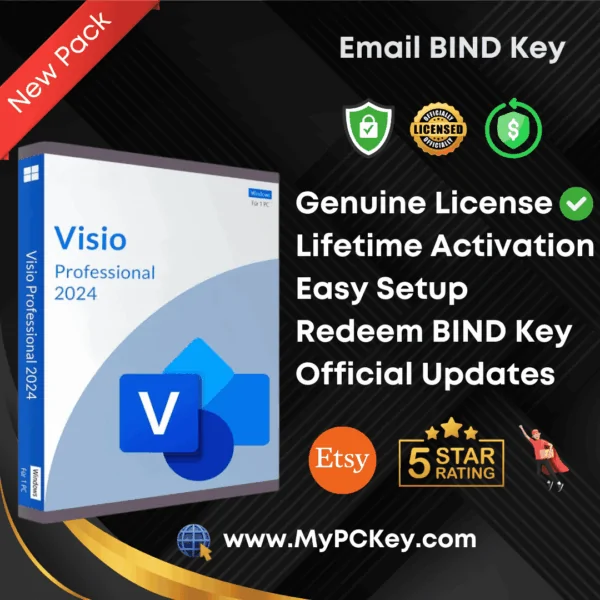
How to Activate Msoft Visio 2024 Professional (BIND Key)

Follow these simple steps to activate your product:

  1. Visit the Official Website
  2. Click “Get Started”
    • Begin the activation process by selecting the Get Started button.
  3. Sign In or Create a Account
    • Log in using your account.
    • If you don’t have an account, create one by following the on-screen instructions.

    Note: The product key will be permanently linked to the account you use. Ensure you sign in with the correct account.

  4. Enter and Confirm Your Product Key
    • After signing in, enter the product key provided with your purchase.
    • Choose your region and click Confirm.
    • The product key will now be securely linked to your account.
  5. Download Installation Files
    • Go to the Services and Subscriptions section of your account.
    • Download the installation files for Visio 2024 Professional.
  6. Login with same account in Visio app

By following these steps, you’ll successfully activate and set up Visio 2024 Professional.

🚚Delivery Time

This order is manually processed. Your product will be sent to your billing email within 60 minutes after we receive your order, during our working hours (11:00 AM – 10:00 PM IST).

Customer Reviews

0 reviews
0
0
0
0
0

There are no reviews yet.

Only logged in customers who have purchased this product may leave a review.